
Photos, videos and scanner
Capture unit and building conditions quickly and clearly.
Handover protocol software and app for real estate – move-in, move-out, sales and property inspections in one guided flow.
With Protocol you create, sign and archive real-estate protocols digitally: protocol templates, checklists, photos, videos, defects and digital signatures – in one software platform, mobile as an app.
Create digital tenancy handover protocols with handover protocol software and app – capture, document, sign and archive, including templates for handover, take-back and inspections.
Capture unit and building conditions quickly and clearly.
Units, commercial spaces and assets with areas, equipment and defects.
Logo, colours and protocol templates – consistent across your property team.

Tenancy handover protocol templates and inspection templates – ready for move-out and portfolio work.
Create handover protocols digitally in software and app – text blocks, signature, offline on site.
This handover protocol documents the condition of the object at the time of handover. It serves as a legally traceable source of evidence and information for the creator, the parties involved, and authorized third parties.
Landlord confirmation, deposit settlement, self-service and data import.
Multiple devices, permissions and scheduling for your staff.

Revision-safe S3 archive – protocols and media available long-term.
Self-service protocol
Self-service protocols let you create protocols without a personal appointment. Recipients get a link and capture details, photos and answers themselves in the browser. The finished protocol is imported automatically and ready to use straight away.
From handover to deposit – in 6 steps with web and app
In the web console you create objects with addresses and contacts and schedule handover or take-back appointments – conveniently on the desktop before on-site condition capture starts.
Object condition is captured with areas, equipment, metering devices, checklists, photos and videos and defects. Data capture can be done offline.
This handover protocol documents the condition of the object at the time of handover. It serves as a legally traceable source of evidence and information for the creator, the parties involved, and authorized third parties.
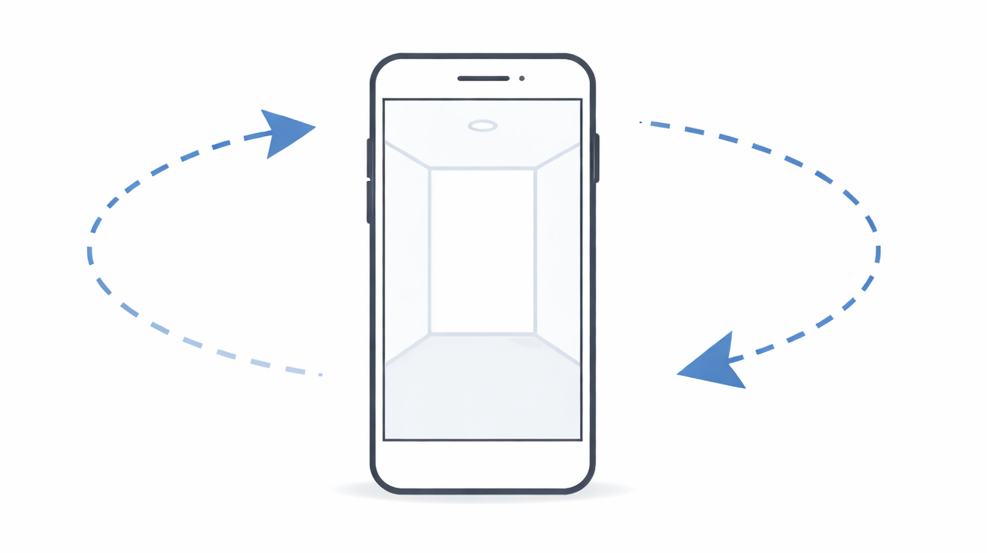
The created protocol can then be reviewed by participants – on the creator’s device or via QR code on the participants’ own devices.
Tenant
Creator and participants sign the protocol directly on their devices with a digital signature. After signing, protocol data is stored on the device used and can be completed.
(👍 ^_^)👍 Protocol completed!
The protocol can be completed directly after signing. All protocol data and media are stored in the revision-safe S3 cloud archive and sent as a link to all participants – as a web page, PDF and printout.
For take-backs with defects, a deposit settlement of the defects can be created automatically. Settlement is based on the handover protocols and the cost of remedying defects at take-back.
Whether you manage, rent, sell or operate buildings: handovers, inspections and defects need to stay provable months later. deep.rent handover protocol software and app replace paper, scattered photos and email chains – with templates for handover, take-back and inspection, from capture on site to PDF for every party.

Handovers, takebacks, inspections and deposit documentation at scale.

Move-in, move-out and deposit documentation across a rental portfolio.

Handovers, inspections and condition records for offices and coworking spaces.

Listings, viewings, property capture and sales documentation.

Maintenance, inspections, cleaning rounds, technical systems and mobile snag reporting – including caretaker and building operations.
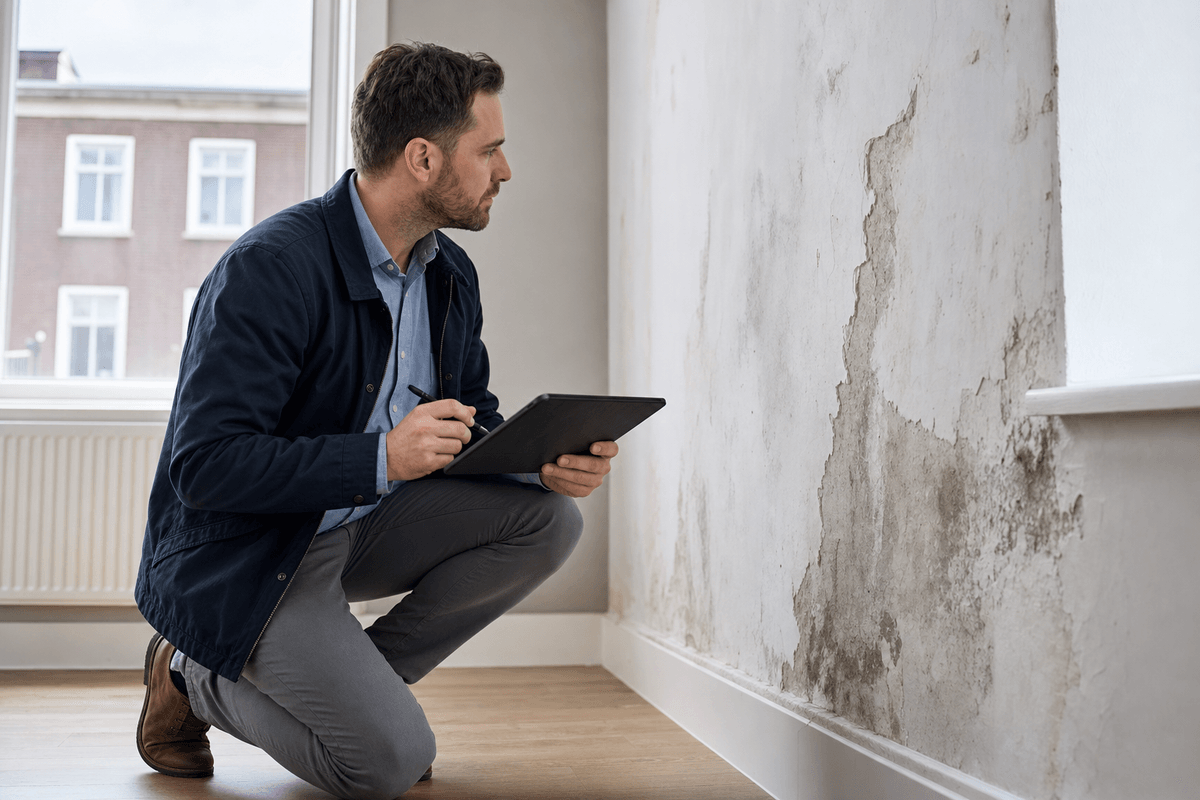
Condition surveys, photo evidence and structured defect capture.
Tenant turnover, modernization handovers and stock inspections across large portfolios.

New-build acceptance, snag lists, first handover to buyers and handover to management.
From small businesses to large enterprises – Protocol is used every day across many industries.
Evaluating handover software? Our comparison pages put Protocol next to common solutions – honestly, based on publicly documented features.
Mobile handover protocols with photos, signature and PDF – strengths and differences in a feature comparison.
View comparison →Browser-based handover protocols with no install – compared directly with Protocol.
View comparison →Digital handovers for iPhone and iPad – compared with the Protocol platform.
View comparison →Short answers on software, app, templates and archive for real-estate protocols.
Typically the property and occasion, rooms or areas, condition and defects, meter readings, keys and inventory, photo documentation and signatures of all parties. Protocol guides you through these points with checklists and protocol templates – including media per area and a PDF for everyone.
In the software you set up the unit and appointment, open the matching move-in protocol template on site, capture condition and media room by room and sign digitally. Then you archive and send the protocol – the same flow applies to move-out.
A template standardises checklists and areas per unit type so handovers stay comparable. Free-form capture remains possible; most teams start from a move-in or inspection template and adapt it once to their portfolio.
Yes. The handover protocol app supports capture on smartphone or tablet on site; central planning and archive run in the web console. Condition capture can work offline and sync later.
Protocol closes protocols with a digital signature and stores protocol plus media in the revision-safe S3 archive. Handover, take-back and inspection protocols stay available in the tenancy file long-term.