
Protocol Self-Service System
How self-service works
From link to signature — in seven steps
Übergabe Protokoll


Prepare self-service
Create a new protocol and choose the object and participants. Instead of filling it in yourself, enable self-service and share the case via web link.
Create self-service link
Choose the recipient or generate a link to share. Define which areas, meters, and checklists should be answered in self-service.

Participant captures data
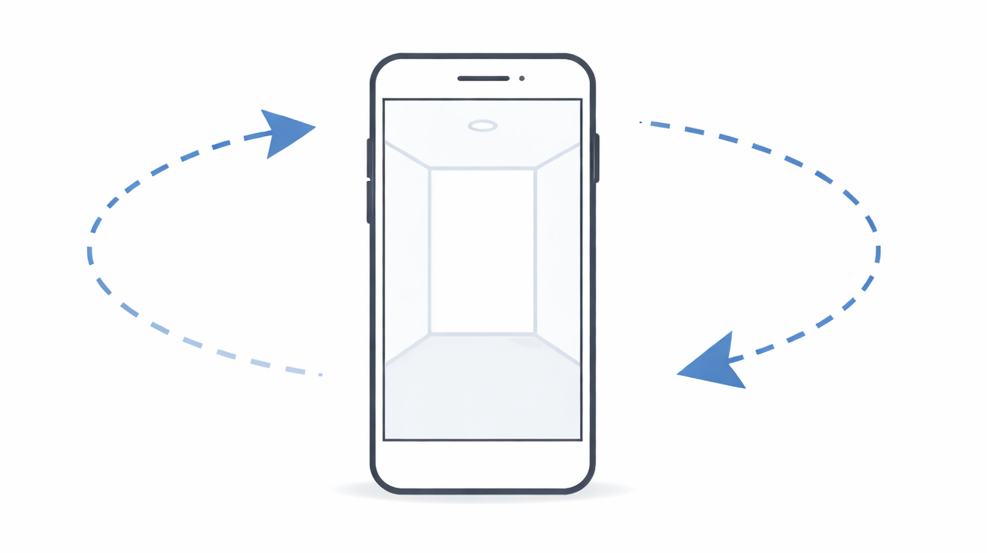
The recipient opens the link in the browser and is guided step by step through the protocol. Questions, checklists, and photos can be captured on phone, tablet, or PC.


Take photos and complete checklists
For each area, photos can be taken and predefined checklists answered. All entries follow your object structure and required fields.
Import data and send protocol
The participant’s entries are imported into the protocol and locked. You can still add defects or text blocks before sending the protocol for signature.
Review and sign protocol
The participant receives an email with a link to the protocol viewer. They can read the finished protocol and sign digitally in the browser.
Protokoll Lizenzierung
Protokoll teilen
(👍 ^_^)👍 Protokoll abgeschlossen!
Signature and completion
After signing, the protocol is completed. Photos are uploaded, the document archived, and sent automatically to everyone involved.
What is the Protocol Self-Service System?
With self-service protocols, you create documentation without a joint on-site appointment: you prepare the case in the app, the participant receives a secure web link, and completes areas, checklists, and photos in the browser — on phone, tablet, or PC.
The guided flow runs from the link through import, digital signature, and archiving — using your checklists, object data, and templates.
Enable the module
Under Settings → Modules, the label is “Protocol Self-Service System”.
- On: Self-service flows for protocols are enabled.
- Off: When you try to disable it, the app checks for protocols that still have self-service enabled. If any exist, the toggle stays on and a warning explains that self-service can only be turned off after those protocols are removed or completed.
How self-service works
Seven steps at a glance:
- Prepare — create protocol, enable self-service
- Create link — choose recipient, define areas and checklists
- Participant captures — guided input in the browser
- Photos & checklists — following your object structure
- Import data — into the app; you can still add items
- Signature — protocol viewer via email link
- Completion — archiving and distribution to everyone involved
Full walkthrough with visuals: Self-service protocol on deep.rent
Key benefits
- No on-site appointment — participants work via link when it suits them
- Your structure, your rules — areas, checklists, meters, and required fields like classic capture
- Clear roles — you control and release work; participants only edit what you allow
- Signature and completion — digital sign-off, archive, and distribution in one flow
- Less coordination — fewer back-and-forth messages and misunderstandings
Checklists in self-service
Checklists are fully integrated: participants answer questions in a structured, guided way — using your predefined examples and options, even without specialist knowledge.
Using filters and protocol occasions, you can define custom self-service occasions, e.g. “Handover – tenant check-in”, with simplified checklists for end users.
At a glance
| Topic | Description |
|---|---|
| Flow | Share link → participant captures → import → signature → archive |
| Module | Under Settings → Modules; disable blocked while self-service protocols are active |
| Roles | Operator (control) and participant (browser input) |
| Learn more | Self-service protocol |