
Lost-Key Service
Document key loss and handle find reports easily.
Each key gets a unique QR ID on the tag — without private contact details on the ring. Finders report the find; owners are notified by email.
How the finder flow works
From key setup in the app to owner notification — in five steps
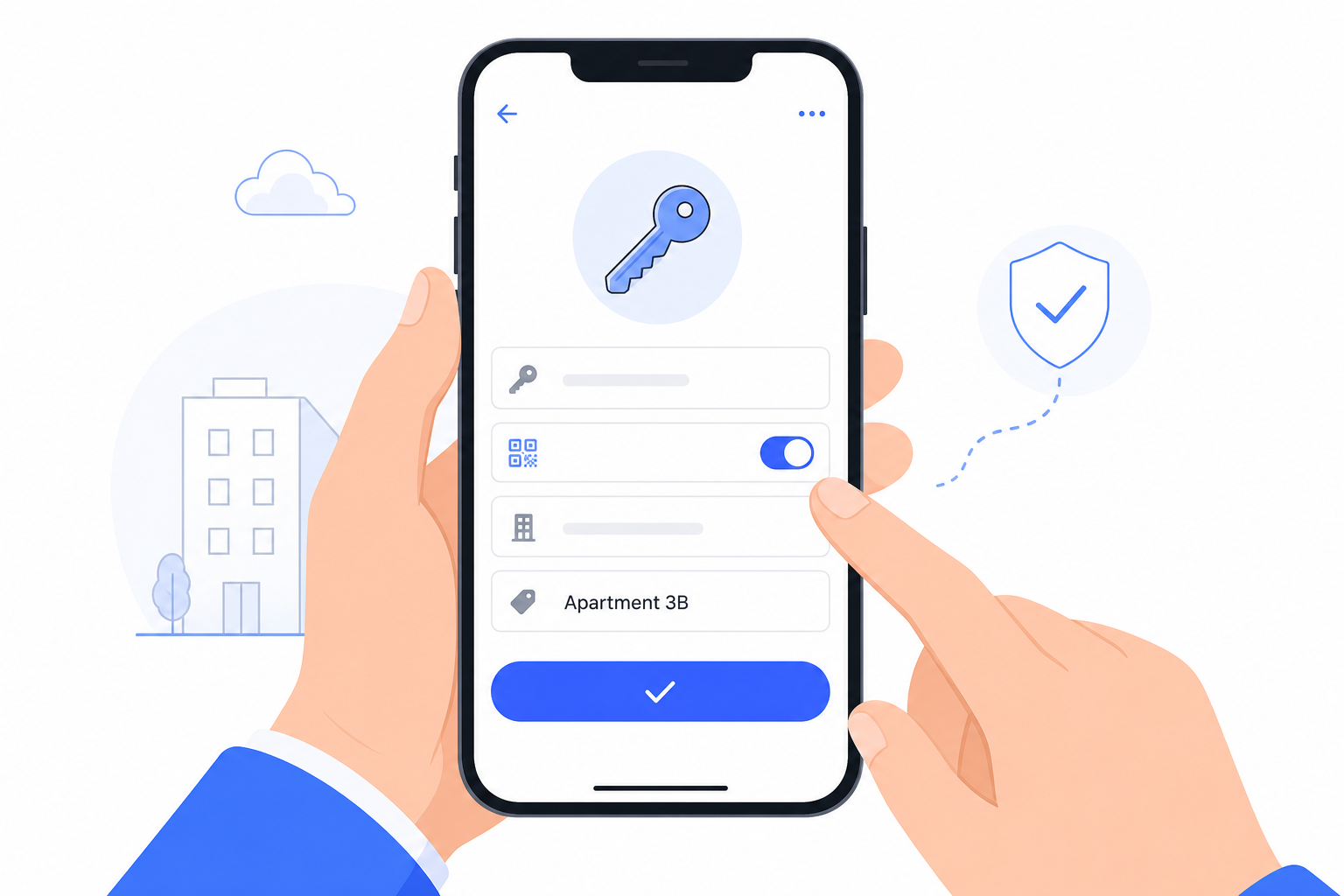
Create a key on the object: assign an ID, enable Lost Key, and generate the QR code.
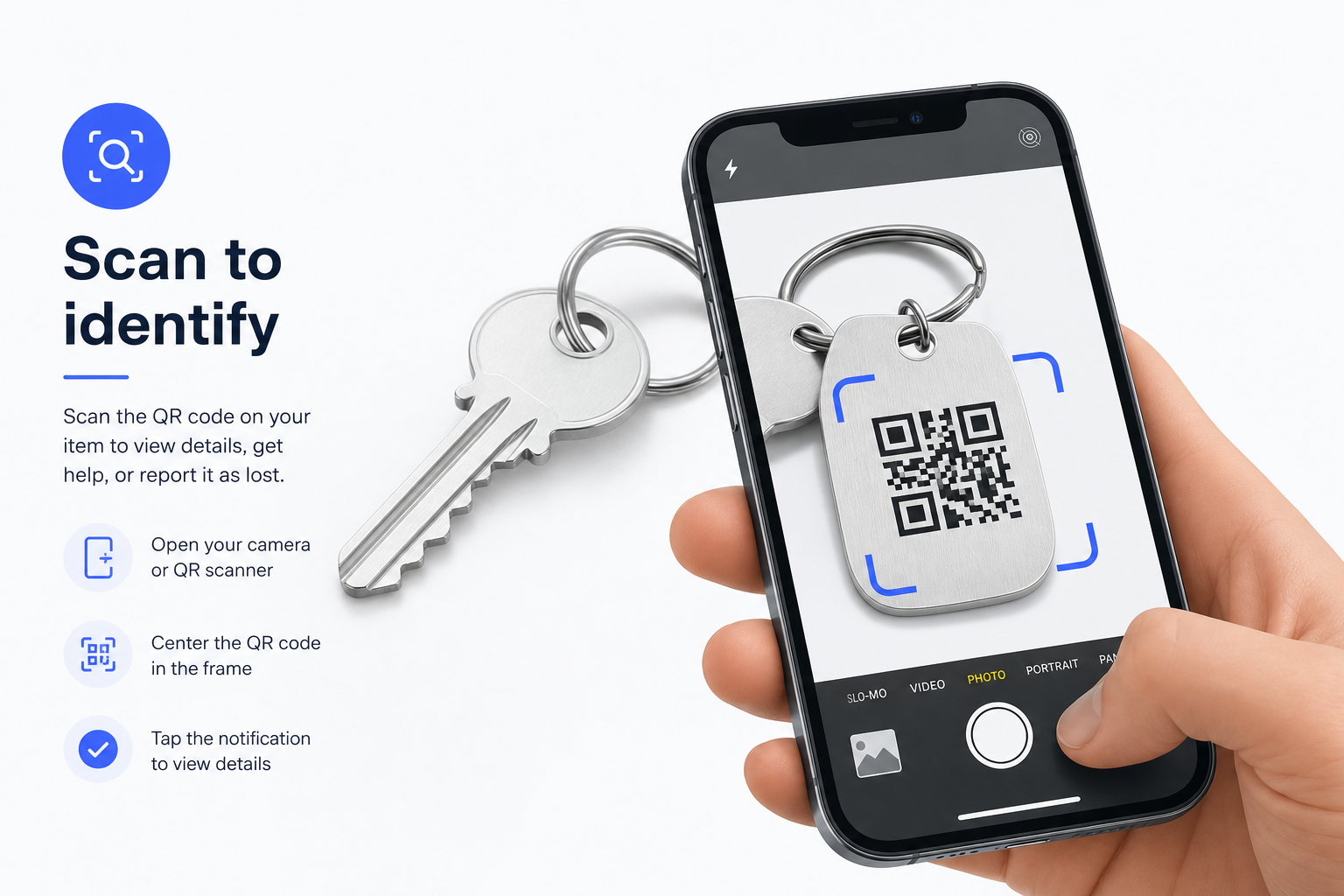
Scan or assign the QR code on the tag — the key is uniquely linked to the object.
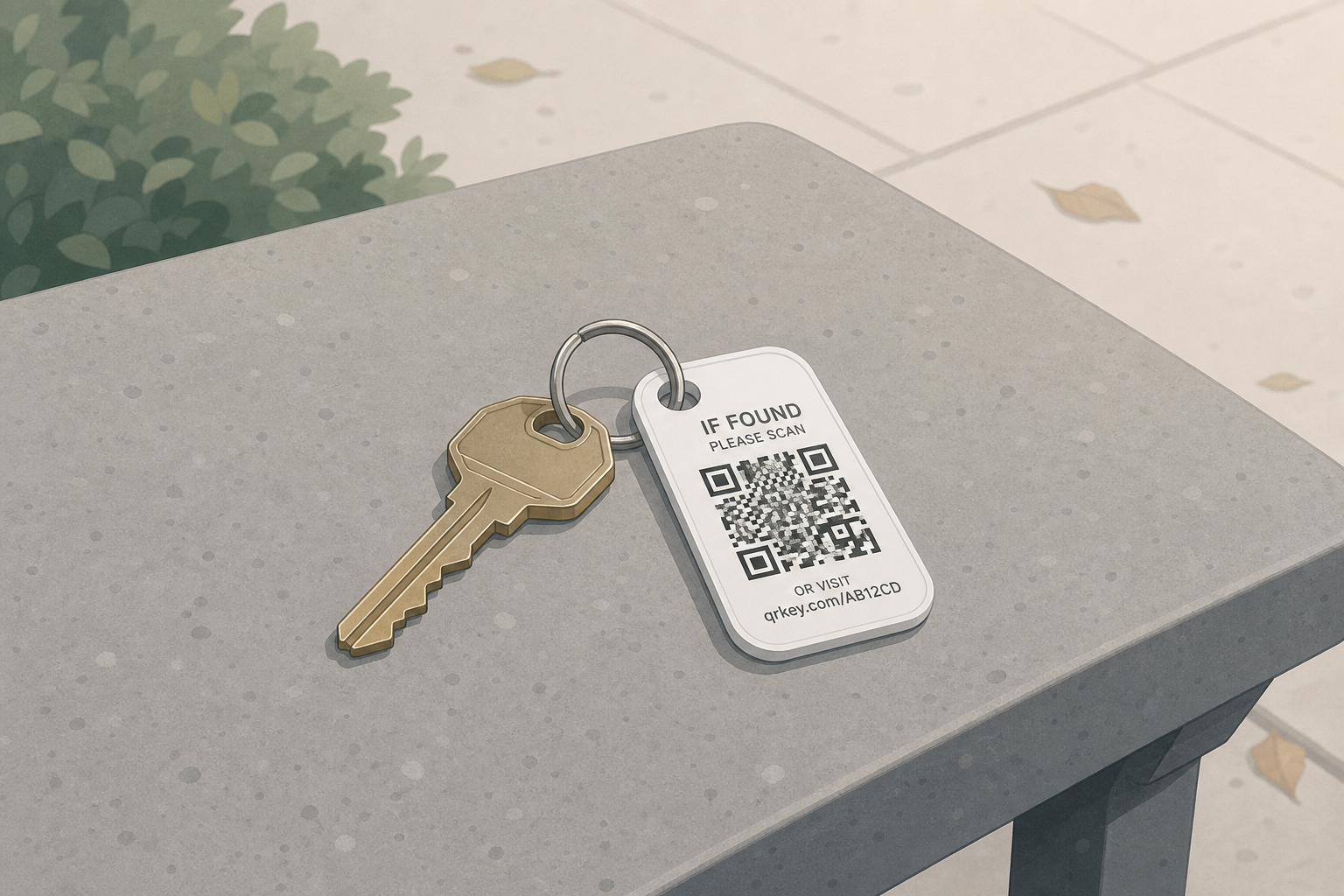
The key is lost — only the anonymous QR ID remains visible on the tag.
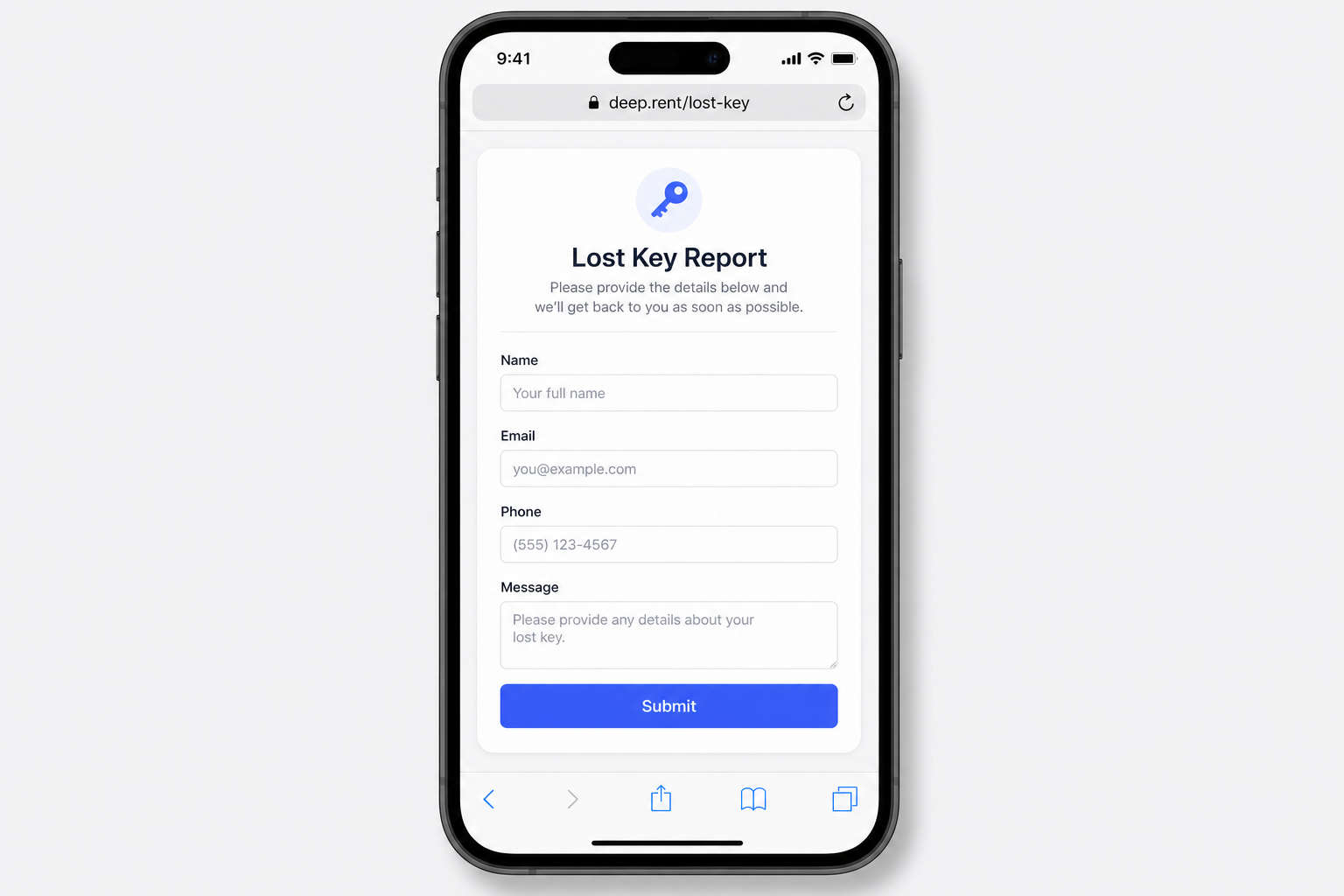
The finder scans the QR code and enters their contact details on deep.rent/lost-key.
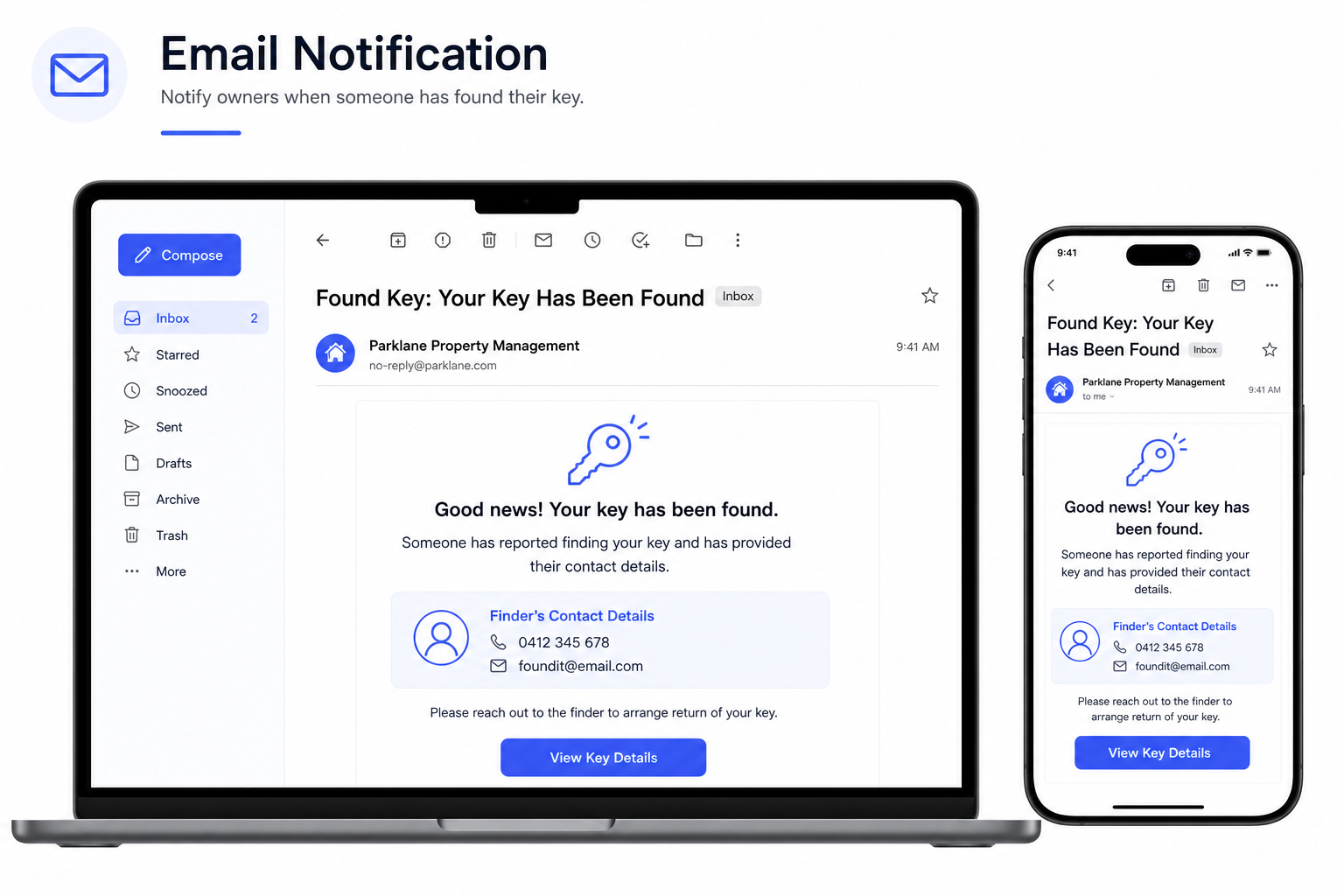
The owner (configured email) receives a notification that the key was found.
Identify keys in the app
From tag to scanner — QR setup, finder report, and scan result
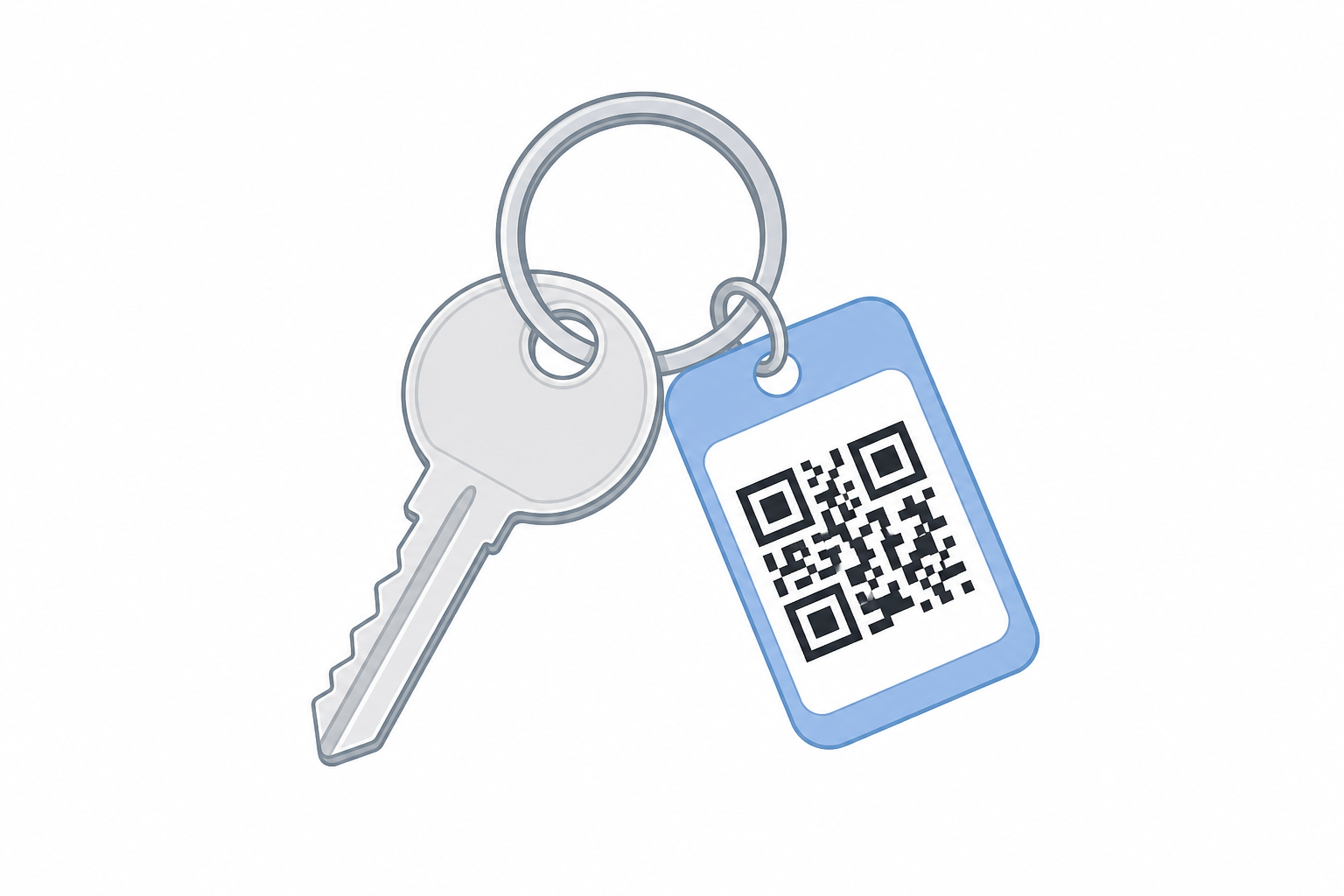
Each key set gets a unique ID — on the tag as a QR code, without private contact details.
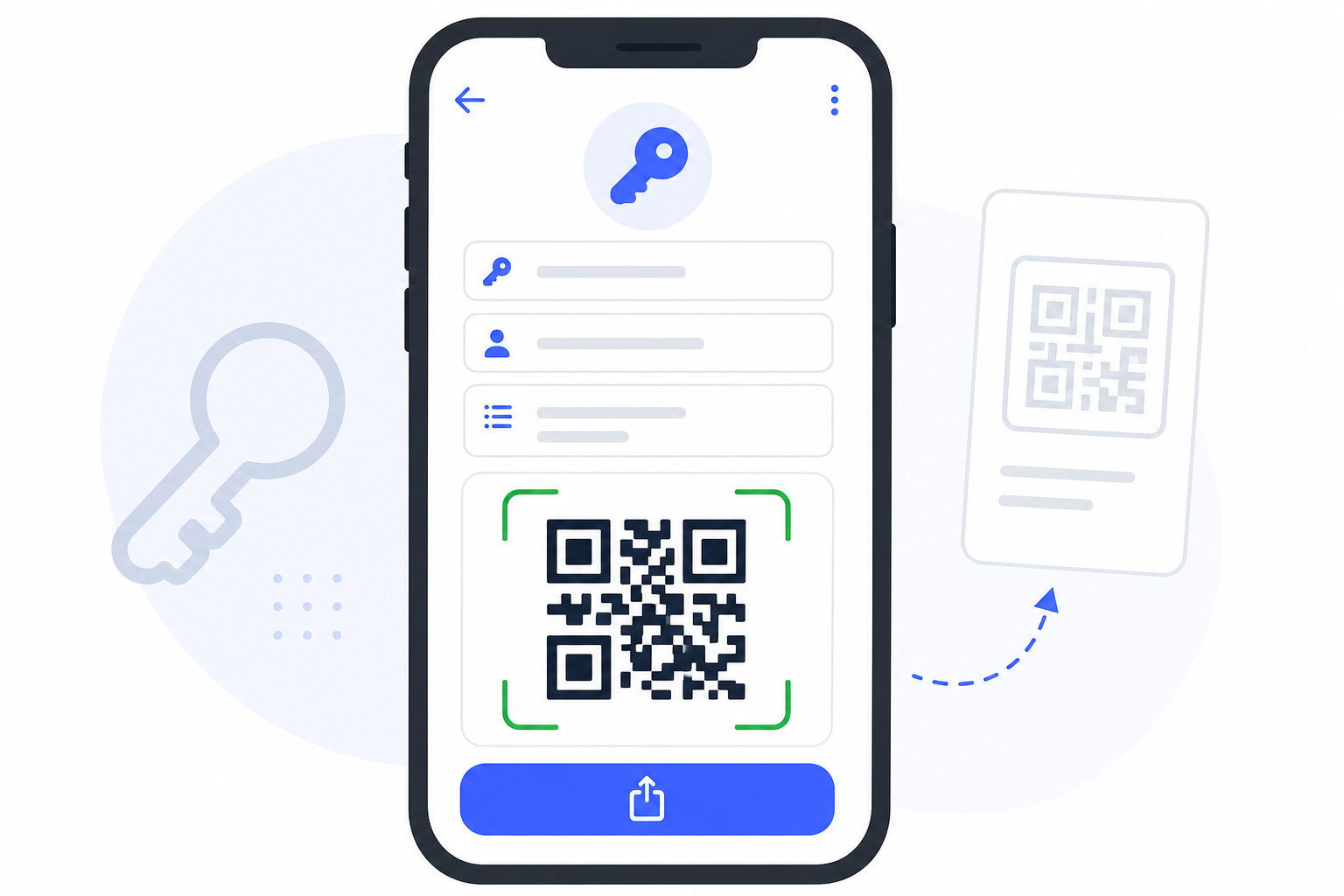
In the key editor: assign an ID, enable Lost Key, and generate or scan the QR code.
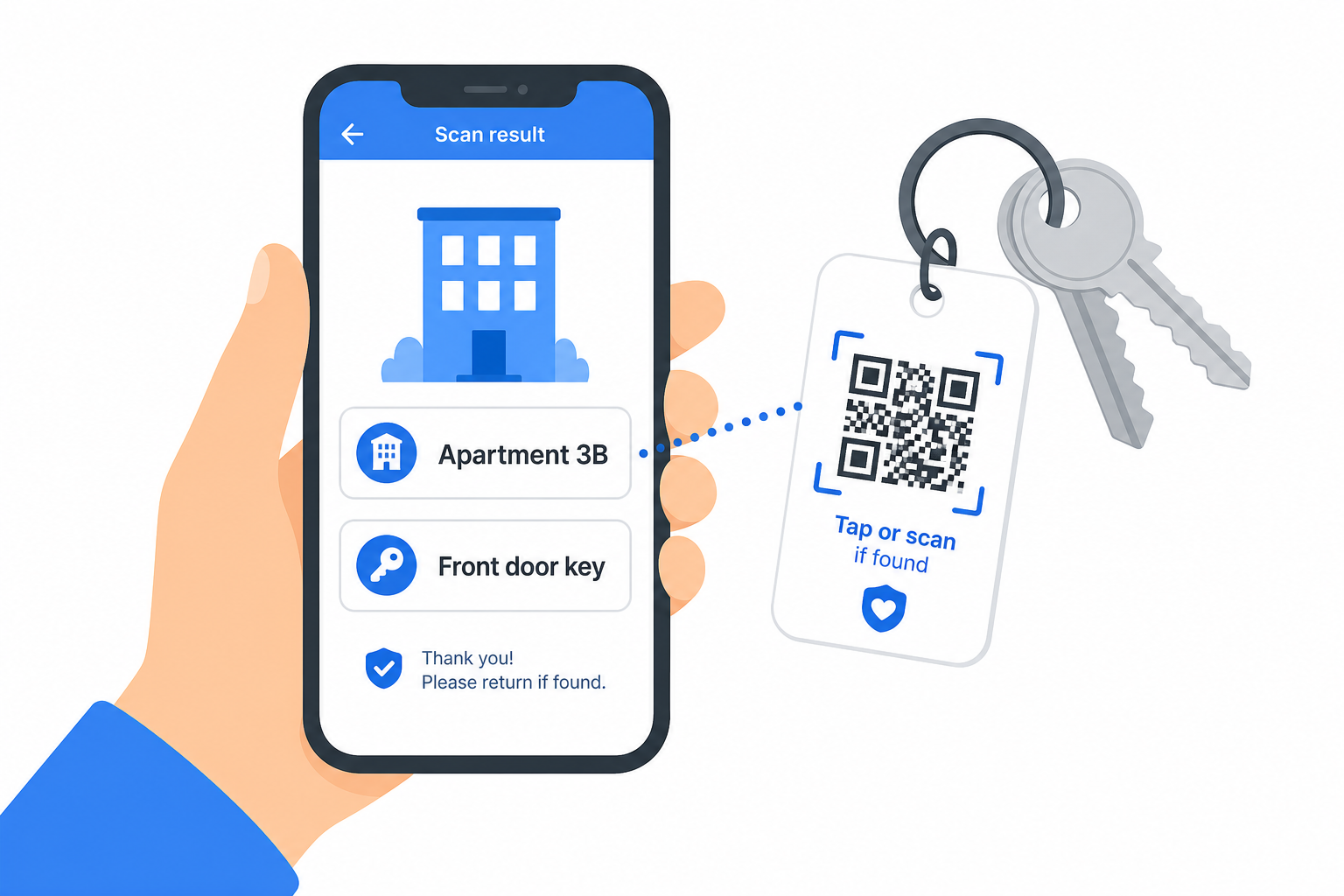
Finder scans the QR code and reports the find — the owner receives an email.
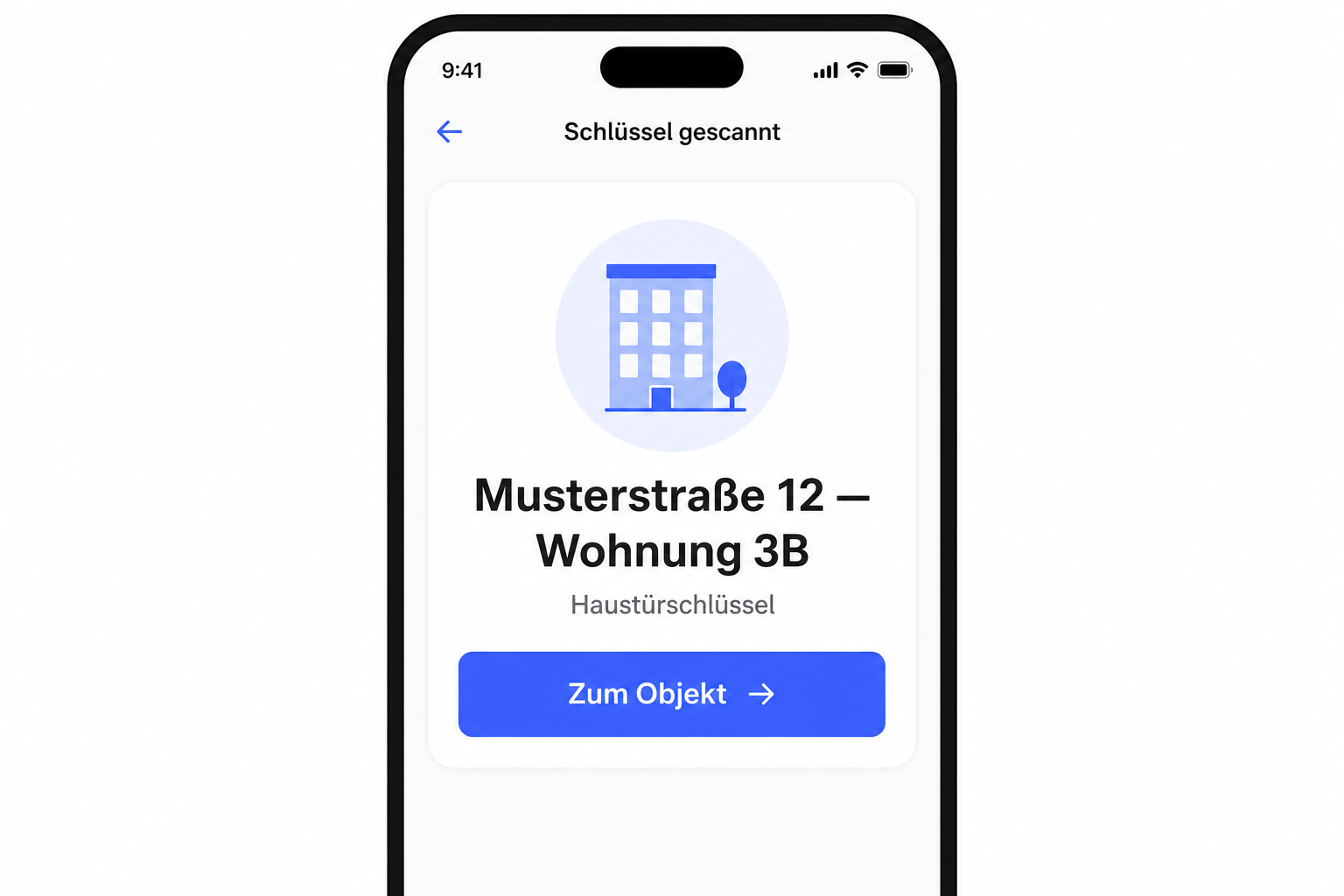
In the app: start a scan — object name, key ID, and description; open directly with “Go to object”.
Keys and access codes can be fully documented in the protocol app. With the Lost-Key Service, each key gets a unique QR ID on the tag — without private contact details on the key ring.
Enable the module
Turn on Lost-Key Service under Settings → Modules. For each key you can generate a loss QR code and set an email contact for find reports.
🎯 Get lost keys back faster — and instantly see what a key is for in daily use.
Key benefits of the Lost-Key Service
From tag to find report — anonymous, attributable and useful every day.
-
QR ID per key
Unique identifier on the key tag — without private contact details on the ring.
-
Find report via link
Finders scan the QR code and leave contact details on deep.rent/lost-key.
-
Email to the owner
The stored contact email is notified as soon as a key has been found.
-
Identifiable in daily use
In the app, instantly see which object and description a key belongs to.