
Finish the proof before you leave the lobby
Rounds, cleaning sign-off and hazards logged while you still have signal—or queue offline.
Caretakers rarely sit under fluorescent HR lights. deep.rent is tuned for gloves-on work: open the route, tap the checklist, attach a wet-floor photo, send PDF to management before the van rolls out.
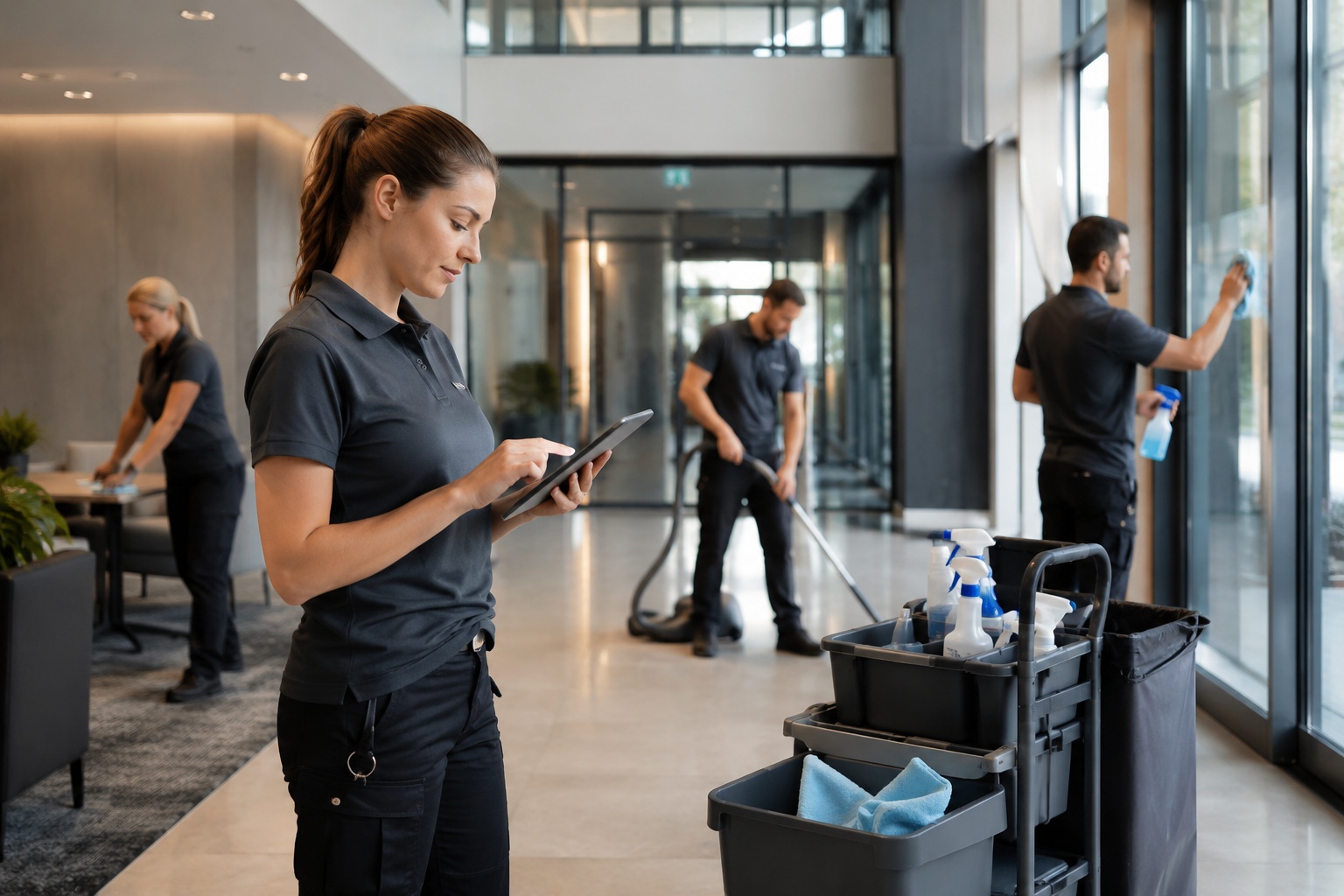
Operational trust runs on timestamps, not vibes
Clients want to know the bin store was checked Tuesday, not “sometime this week”. Mobile-first capture closes the loop while muscle memory is fresh—especially when incidents have insurance or sub-contractor angles.
Cleaning report on mobile—straight to management
Property documentation in one guided flow—with photos and videos per area. Contact: management.

Caretaker-native report names
Cleaning, patrols and damage—with management as the contact on the report.
-
Cleaning report
Area checklist plus hygiene-specific observations.
-
Control walkthrough
Deviation notes beside each compulsory control.
-
Damage flash report
Minimal clicks; maximum context for escalation.
Paper rounds quietly drain payroll
Evening transcription, WhatsApp photo dumps and “I forgot which block” waste margin.
- Rewriting scribbles after eight hours walking
- Images stripped of building or level metadata
- Unclear ownership when two vendors share a site
One thumb flow from tap to PDF
Template opens, voice-to-text optional, pictures attach in-line—supervisors download a coherent file before your shift ends.
Typical caretaker tasks
What happens on site—documented in minutes, not written up in the evening.
-
Daily control round
Stairwell, entrance, waste, lighting—anomalies with photo immediately.
-
Cleaning check
Was area X cleaned? Cleaning report with zones and media.
-
Report damage / defect
Broken lamp, leaking door, graffiti—place, image, short note to management.
-
Document gritting / winter service
Treated areas, time, weather—proof for accident or complaint.
-
Grounds & outdoor areas
Lawn, hedges, playground—work done or shortfall recorded.
-
Waste and bin area
Overflow, contamination, access—for management and waste contractor.
-
Plant room quick check
Heating, drying room, cellar—simple checklist, escalate on alarm.
-
Handover to subcontractor
Condition before trades—sign-off with photo after works.
-
Walkthrough with management
Joint inspection: same checklist, one PDF for all.
-
Vacant unit check
Empty flat: break-in, moisture, windows—regular proof.
-
Key and access log
Who had access when—brief record for special openings.
Caretaker deployment areas
Where caretakers and facility contractors typically use deep.rent.
-
Residential estates & HOA stock
Several buildings, common parts—standard rounds per property.
-
Office buildings (cleaning proof)
Cleaning evidence per floor or zone for billing.
-
Schools & nurseries
Safety, cleanliness, playground—documented checks.
-
Senior living
Frequent rounds, quick safety checks, fast damage reporting.
-
Car park & underground garage
Lighting, marking, moisture—dedicated checklist.
-
Business parks / small commercial
External areas, access roads, shared plant.
-
Holiday sites & seasonal stock
Open/close season: condition at start and end.
-
Facility contractors with many clients
Same app, different sites—templates per client.
Built for pockets and bad weather
-
Offline tolerant
Queue basement captures; sync when LTE returns.
-
Minimal training
Big buttons, plain language—temps can contribute same day.
-
Instant handoff
SMS link or shared inbox—no hunting the duty manager.
Cleaning verification and caretaker rounds in plain English search terms
People look for “cleaning report app” or “caretaker checklist software”, not another ERP login. This copy speaks to patrolling staff—not C-suite decks about digital transformation.
Service charge disputes increasingly request proof of routine attention. Photo-backed, templated rounds give subcontractors and clients a shared factual baseline.
Caretaker & mobile crew questions
Budget handset friendly?
Designed for common Android and iOS devices property teams already issue.
Does management see it live?
Depending on setup: share links, team spaces or PDF auto-forward—your employer configures flow.
Different from landlord deposit apps?
Absolutely—this lane is boots-on-the-ground operations, not checkout deposit letters.