Capture plant and portfolio conditions quickly, precisely and traceably – for acceptance, maintenance and inspections.
Features for the portfolio
Media, location and scanner directly in the plant protocol – without media discontinuity.
Photos & videos from the plant
Capture condition, defects and acceptance on site with the camera.
REC
GPS & location
Store capture location automatically with the plant protocol.
Barcode & QR scanner
Identify modules, inverters and components quickly.
bH6l-Vab9-QTyg-nYm8
Plans and overviews
Locate defects and markers precisely on plant plan documents.
Speech recognition
Capture notes and defect descriptions via voice-to-text at the plant.
At acceptance a cell crack was found on module 14 in string 3. The defect must be documented.
REC
The Protocol enables structured, media-based documentation directly during protocol creation at the plant. Photos and videos are captured in context and assigned unambiguously to the plant protocol.
Structured media assignment
Media can be linked specifically to:
the entire plant
individual plant areas (modules, inverters, meters)
components and technical systems (inverters, storage, meters)
documented defects
meter readings and yield data
access and key handovers (tech room, meter cabinet)
Each capture is automatically given a timestamp and assigned by the system to the respective plant protocol.
👉 Example: A photo of a cell crack on a module is automatically assigned to the protocol and the corresponding plant area.
Image annotation & marking
Photos can be edited and annotated directly within the app:
Placement of markers and arrows to highlight details
Visual marking of damage or particularities
Insertion of text entries directly in the image
Annotations are stored as part of the protocol and are traceable for revision purposes.
Capture and import functions
Multiple captures directly via the integrated camera
Multiple selection from the device gallery
Video recording within the app
Import of existing videos from the gallery
Media integration is seamless and remains fully embedded in the protocol structure.
Video export functions
Videos can be played and downloaded in the original version in the protocol web viewer.
When a video is paused at a point, the still image can be saved as an image file in full resolution.
The entire video can be saved as image files in 1-second segments.
Quality control
Image quality can be configured to optimise storage requirements and upload performance. This allows flexible adaptation to bandwidth, device capability and archiving requirements.
🎯 Photos and videos are captured in context at the plant, timestamped and embedded in the protocol structure without media discontinuity – for acceptance, maintenance and defects.
Automatic location capture during plant recording
Where provided and permitted by the device, GPS location is captured automatically during protocol creation at the plant and stored with the protocol.
This documents: geographical position of the capture, time of location capture, assignment to the respective plant protocol. This improves traceability of the process and supports evidence for location-based procedures across the portfolio.
🎯 Location is captured automatically and assigned to the plant protocol – for greater traceability and evidence across the portfolio.
bH6l-Vab9-QTyg-nYm8
An integrated barcode and QR scanner enables direct capture of identification data – for example for modules, inverters, storage systems or meters. IDs can be scanned directly and assigned to the respective plant protocol or object.
QR code stickers and object finder
Plants or components can also be labelled with a QR code sticker. The scanned ID is stored in the system and makes it possible to open the corresponding object immediately via the search function. The scanner thus serves not only for documentation but also as a quick object finder in day-to-day plant operations.
🎯 The scanner captures IDs directly and doubles as a quick object finder across the portfolio – no duplicate entry, with immediate assignment to the protocol.
Exact positioning within plant plan documents
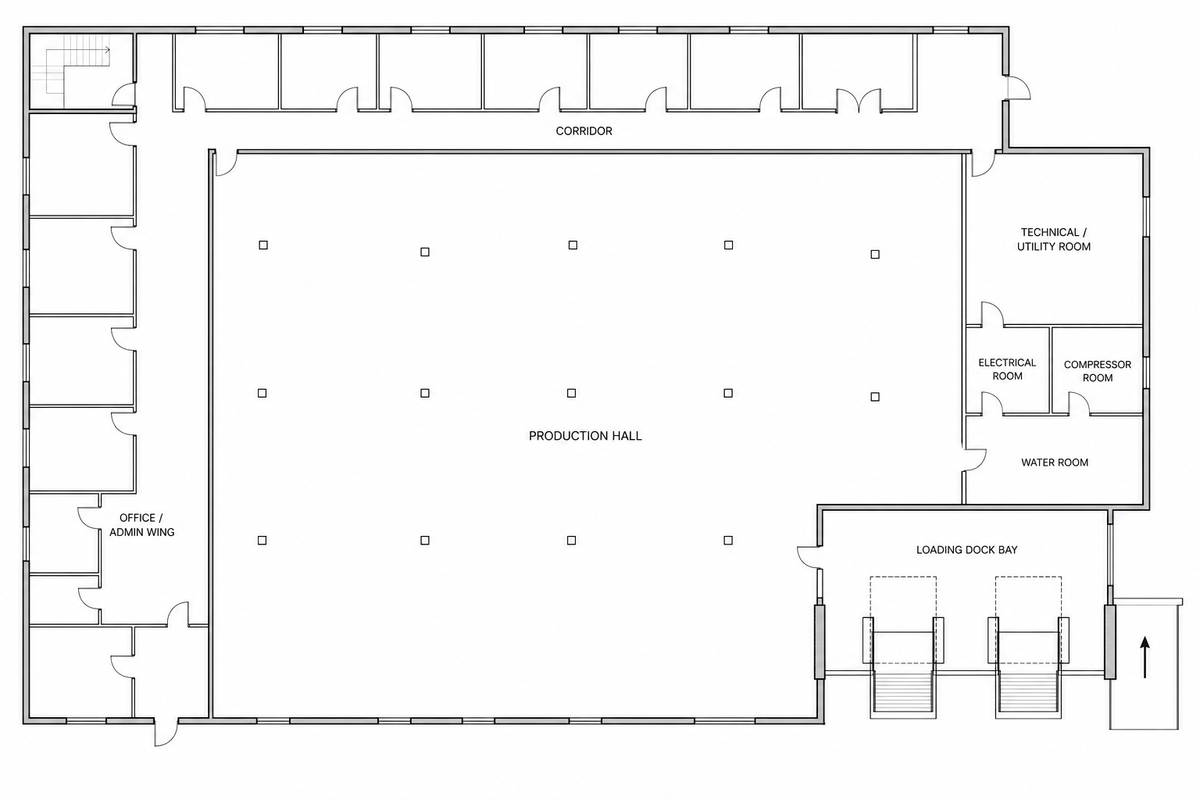
Plan documents such as module field overviews, string diagrams or site plans can be integrated into the plant protocol. Within these plans you can: position defects precisely, define plant areas as markers, insert text notes or symbols.
Marked defects can be linked directly in the protocol as a hyperlink to the respective detailed description. Area markers can also be used in the self-service system to enable structured, location-based interaction. This visual positioning significantly increases the precision of plant documentation.
🎯 Defects and plant areas are positioned precisely on the plan and linked to protocol documentation – for precise, traceable plant documentation.
At acceptance a cell crack was found on module 14 in string 3. The defect must be documented.
Efficient text entry via voice-to-text at the plant
Text modules, defect descriptions or plant documentation can be spoken via an integrated voice-to-text function and automatically converted to text.
This enables: fast capture directly during acceptance or maintenance, fewer manual entries, more efficient documentation for extensive records. Speech recognition supports a smooth workflow, especially for mobile use across the portfolio.
🎯 Speech is converted directly to text – less typing, faster capture during acceptance and a smoother workflow at the plant.
Your benefits from the capture technology
With every inspection you save time, reduce rework and strengthen your documentation.
Less rework, more time for what matters
Photos and videos on site, speech recognition and barcode scanning avoid duplicate entry and follow-up corrections. The effort per protocol goes down – every time you use it.
Clarity for everyone involved
Timestamps, location and linked media make every step traceable. For handovers, tenants or follow-up questions you have the facts at hand – no call-backs or chasing documents.
Legal certainty that grows with you
Every documented inspection strengthens your evidence. Complete protocols with media and metadata meet high standards for proof and compliance – from the first to the last documentation.