
Digital protocols for architects
Walkthrough protocols, condition documentation and acceptance – plan versus built.
Architects reconcile design intent with what is built on site. deep.rent supports documenting walkthroughs, defects and progress with photos per floor and area – as a construction documentation app and digital construction file for your practice.

Architecture lives on alignment – plan versus execution
When construction defects are only reported verbally, planning offices lack an evidence chain for variations and liability. Structured condition documentation and site photos with area context create a digital construction file that works in daily projects.
Digital walkthrough protocol – planning on site
Site visit with photos and videos per floor – for architect and site manager.

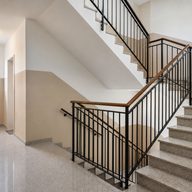
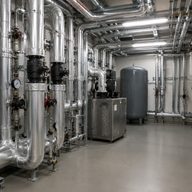
Protocol types for architects
Walkthrough, condition and acceptance – focused on asset and findings.
-
Walkthrough protocol
Document site walkthrough with defects.
-
Condition protocol
Condition documentation as of inspection date.
-
Acceptance protocol
Acceptance with architectural checkpoints.
-
Defect protocol
Construction defects with plan reference and photo.
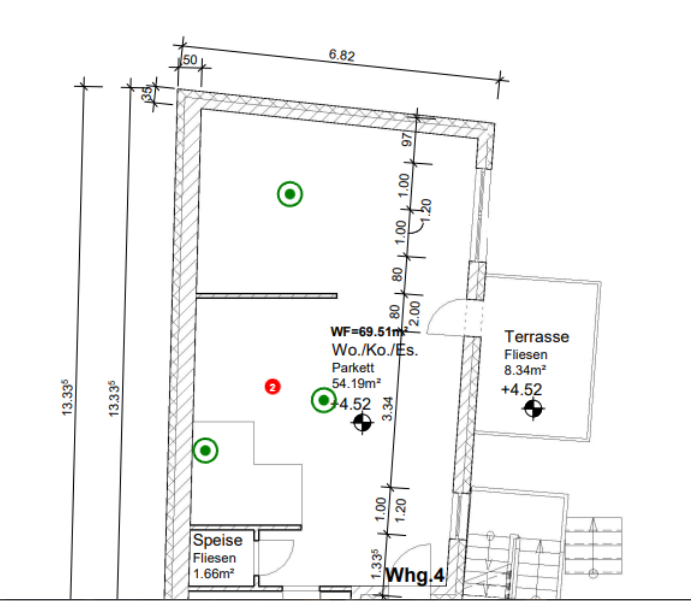
Typical architect tasks
Documentation in planning and construction.
-
Document site walkthrough
Walkthrough with checklist, findings and photos – walkthrough protocol as PDF immediately.
-
Condition documentation
As-built condition per area – basis for design changes and variations.
-
Capture construction progress
Milestones with media – comparison to design status for client.
-
Acceptance protocol
Architectural acceptance with defects, deadlines and owners.
-
Site photo documentation
Photos in the right place – not in unsorted galleries.
-
Planning documentation
Findings linked to plan position and building part – traceable in the team.
-
Document construction defects
Deviations from plan and detail – prioritised for GC and trades.
-
Site visit / inspection
Existing stock, conversion or new build – uniform structure per asset type.
-
Construction documentation app
Mobile capture on site – PDF and archive for the practice.
-
Digital construction file
All protocols and media per project – searchable for later phases.
Use cases for architects
Project types with regular site walkthroughs.
-
Residential
MFH and single homes – floors and external areas structured.
-
Commercial & industrial
Large walkthroughs with area logic.
-
Refurbishment
Condition before conversion – evidence for planning and cost.
-
Public buildings
Audit-ready documentation for clients.
-
Lead planner role
Coordination with specialist planners – one protocol format.
-
Acceptance support
Acceptance protocol for client and users.
-
Defect tracking
Open items until fixed – with history.
-
Small offices to large projects
Scalable templates without an IT project.
Benefits for architects
-
Plan deviations evidenced
Photos and text at the building part – not only in narrative.
-
Fewer GC questions
Clear defect lists with media – faster remediation.
-
Digital construction file per project
All walkthroughs archived – retrievable years later.
Document site walkthroughs and maintain a digital construction file
Architects look for ways to document site walkthroughs and condition records professionally – as a construction documentation app with PDF and archive. Site photo documentation and planning documentation must connect in the project.
Documenting construction defects and creating acceptance protocols works when findings are captured with room context from the start – the basis of a digital construction file.
deep.rent links site visits, progress capture and defects in one flow – for practices that involve client and GC with facts and media.
Questions from architects
Does it fit professional walkthroughs?
Structured walkthrough and acceptance protocols with media – as PDF for files and client.
Can the office maintain templates per asset type?
Yes – apartment, office, school etc. with own checklists and areas.
Site photos without chaos?
Every photo sits at the area and defect – exportable in the digital construction file.