
Features
From the object to the shared protocol.
Six steps. Less effort, more certainty, everything in one place.
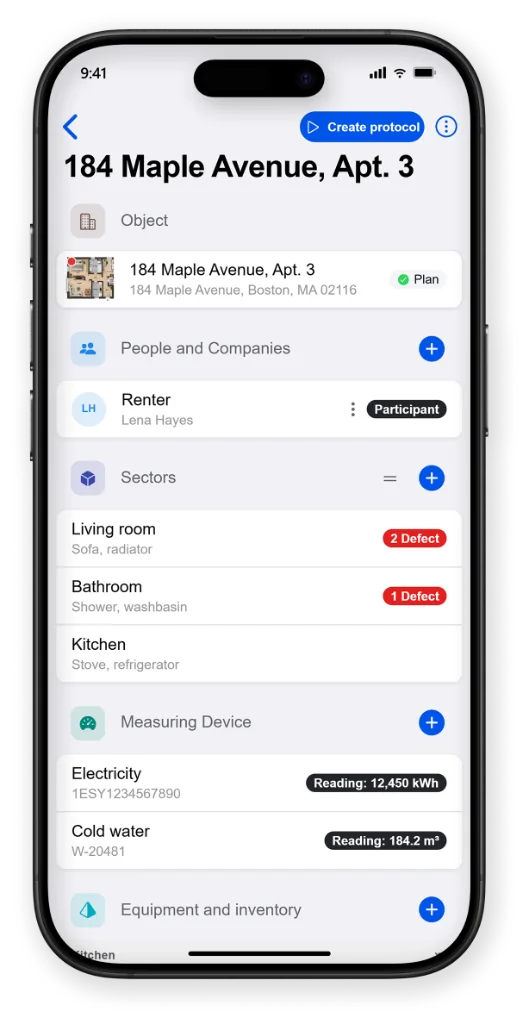
Manage objects
Object management with areas, equipment, contacts, defects and more. Everything in one place – for handover, take-back and documentation.
- Object data available anytime, anywhere
- Contacts and points of contact
- Rooms and areas
- Defects and measures in view
- Equipment, meters and keys
- Documents and plans directly on the object
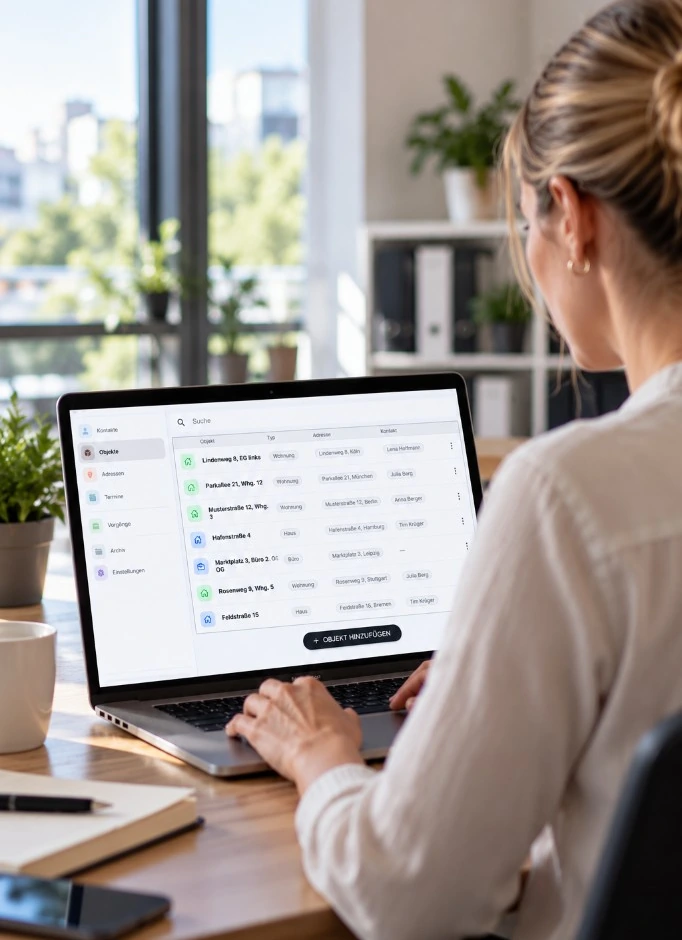
Prepare documentation
Prepare protocols ahead of time. Object and contact details and the workflow are already set – that saves data entry and valuable time when documenting on site.
Draft
Prepare protocols on the mobile device and continue seamlessly on site.
Appointment
Plan protocol appointments in the office and assign them to colleagues. They are notified and can start documenting right away – without entering the data again.
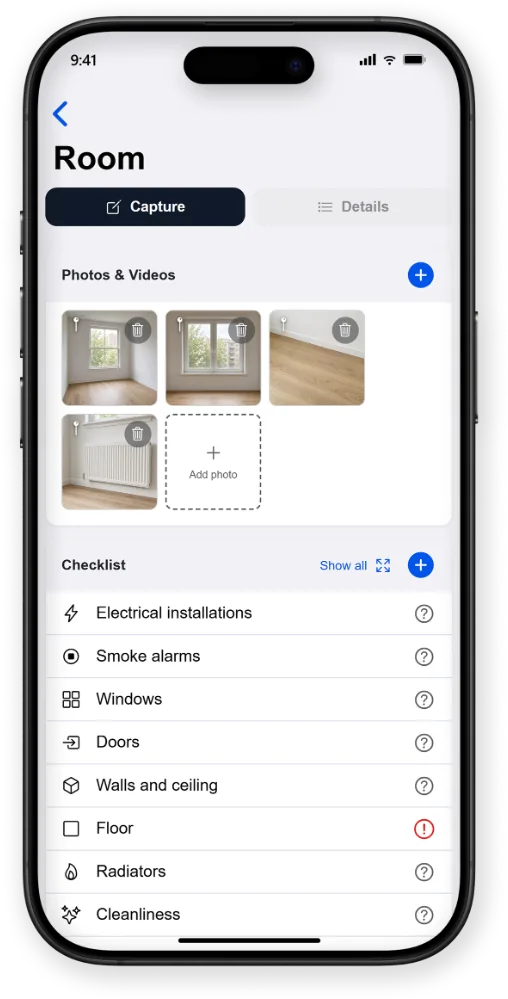
Document on site
Capture photos, videos, readings, defects and signatures directly.
- Photos and videosDocument conditions with photos and videos – with wide angle, zoom, burst shots or images from the gallery.
- Record defectsRecord defects directly on the object, in areas or checklists – including photos, descriptions and measures.
- ChecklistsCheck and assess conditions systematically. Custom checklists help record defects and changes in a traceable way.
- ReadingsCapture and document meter readings and measurements with date and photo.
- Plans and floor plansPlace areas, defects and measuring equipment directly on plans – for property, also on 3D floor plans.
- Voice input and scannerCapture information easily by voice, QR code or text recognition – for less typing on site.
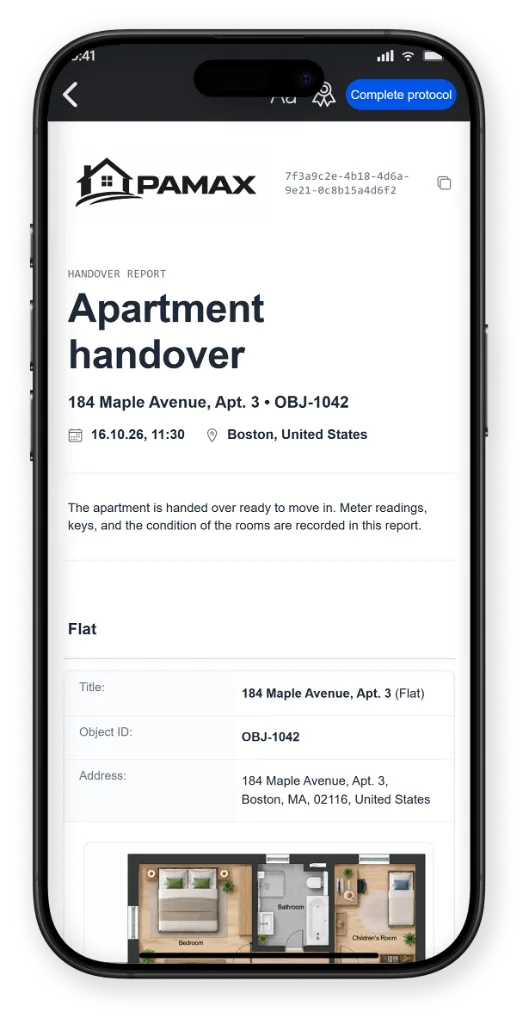
Create protocols
All captured information is brought together automatically into a professional, clearly arranged protocol.
- Everything in one protocolPhotos, checklists, defects and text are brought together clearly in one document.
- For every occasionHandovers, take-backs, expert reports or custom protocol occasions set the structure and the content.
- Custom text blocksPrepared wording keeps the documentation consistent and professional.
- Custom designYour own logo and basic settings for areas, objects, checklists and occasions make it a precise fit for your needs.
- Modules for end-to-end workflowsExtensions integrate seamlessly into the protocol, for any industry. Follow-up processes such as deposit settlement and many more are possible.
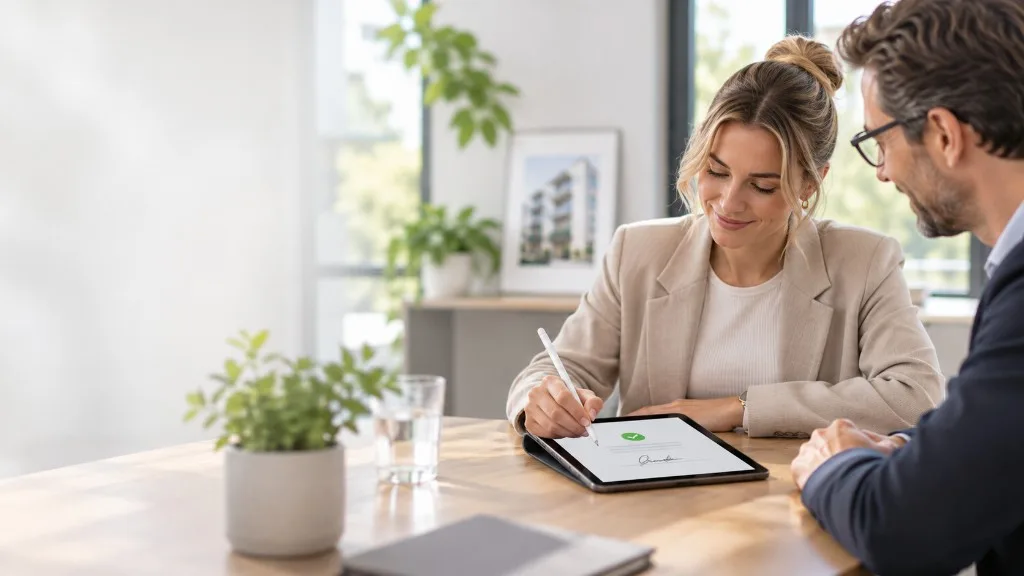
Close securely
Review the protocol, apply changes and sign digitally together.
Sign digitally
The creator and the participants sign on one device or on their own device with a QR signature code.
Finish the protocol
Finishing licenses the protocol and adds checksums that prove the integrity of the data.
Protocol details
Times of creation, place, signature and upload, and further data, stay permanently traceable on the protocol.
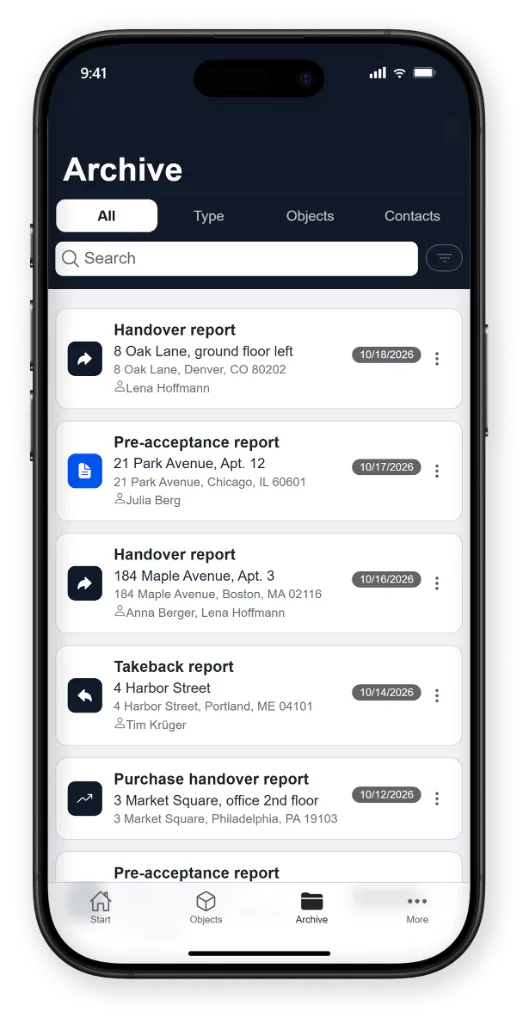
Archive and share
Finished protocols are archived securely and stay available at any time – for your team, customers and everyone involved. Professional and clearly arranged, with a web link including all photos and videos for later reference.
- Centrally archivedAll protocols in one clear place – easy to find and open at any time.
- Easily sharedSend protocols automatically or share them securely by link – even without the app.
- Lastingly documentedCompleted protocols stay unchanged and remain traceable.
- PDF & web linkProtocols are stored as a PDF and a web link, and can also be saved locally with all media.